Project Description
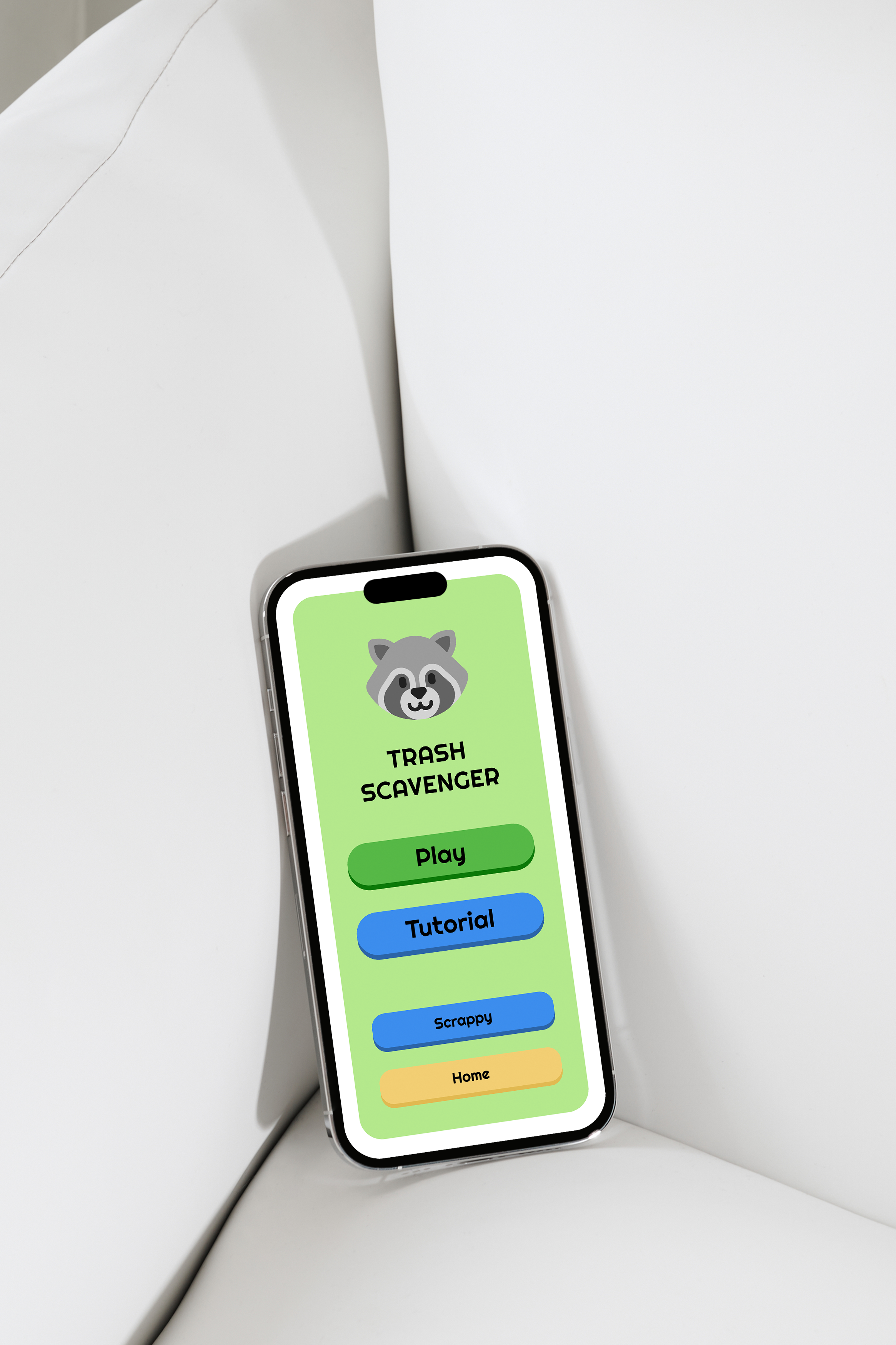
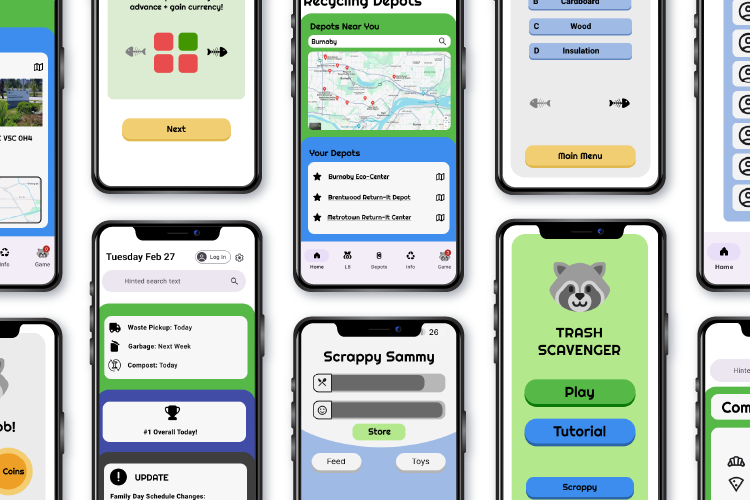
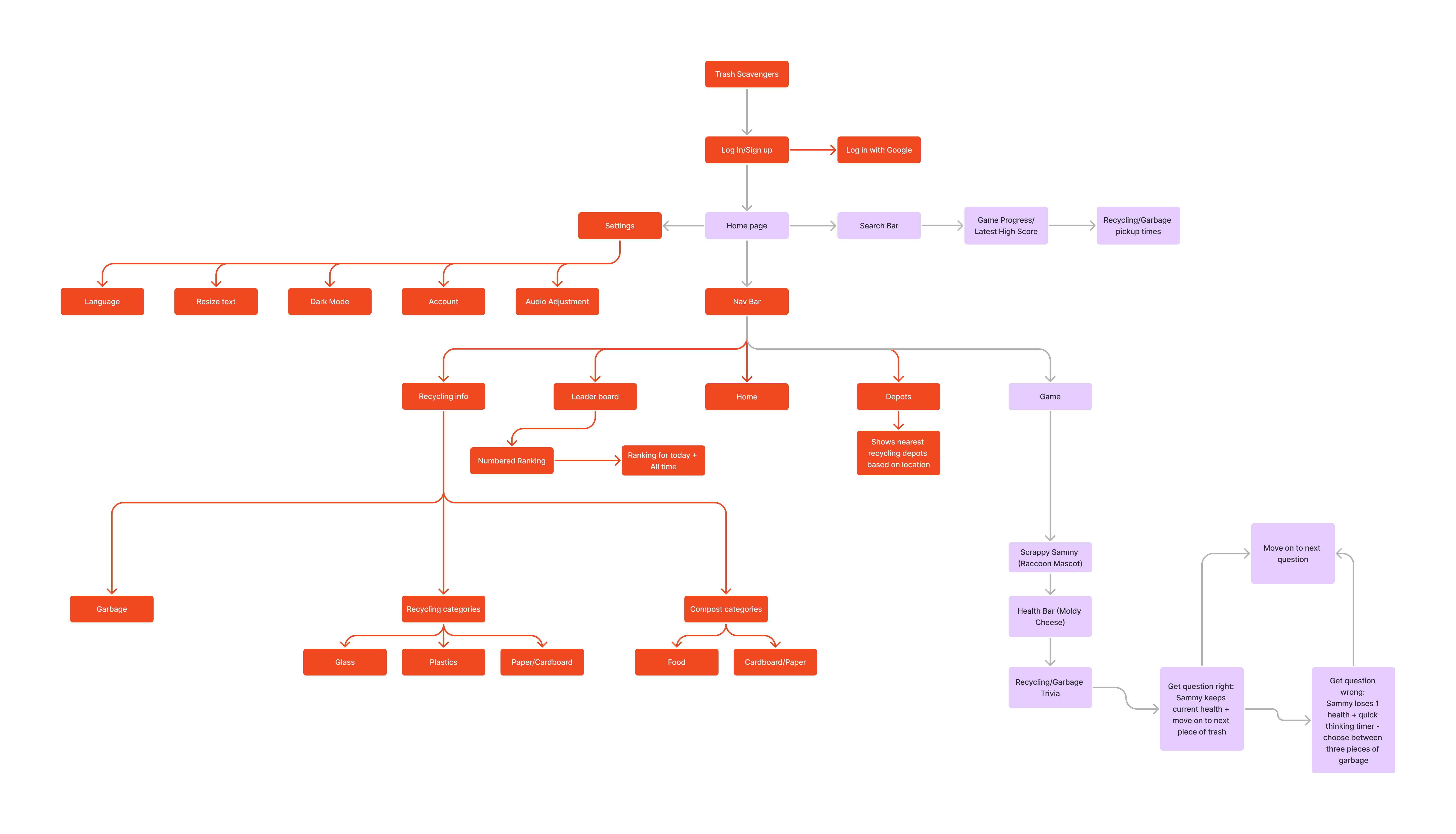
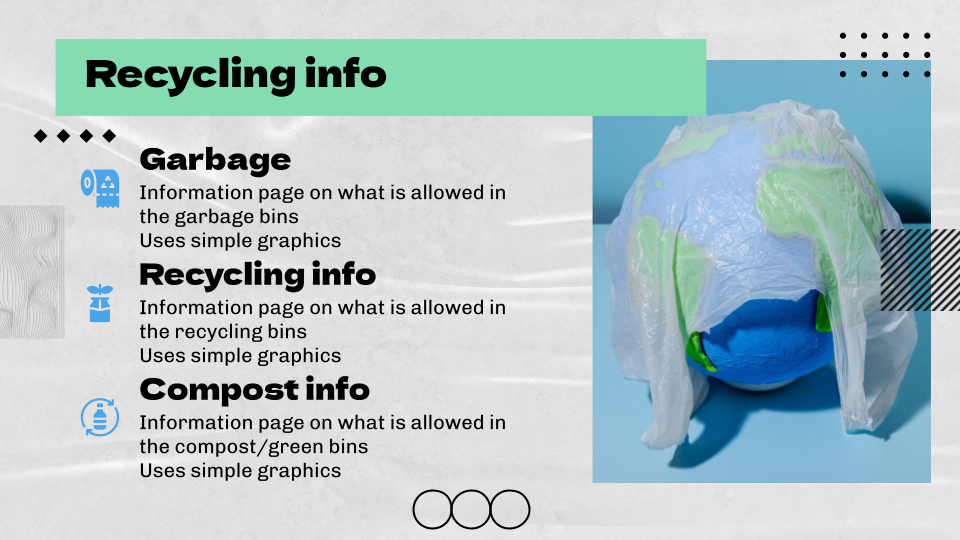
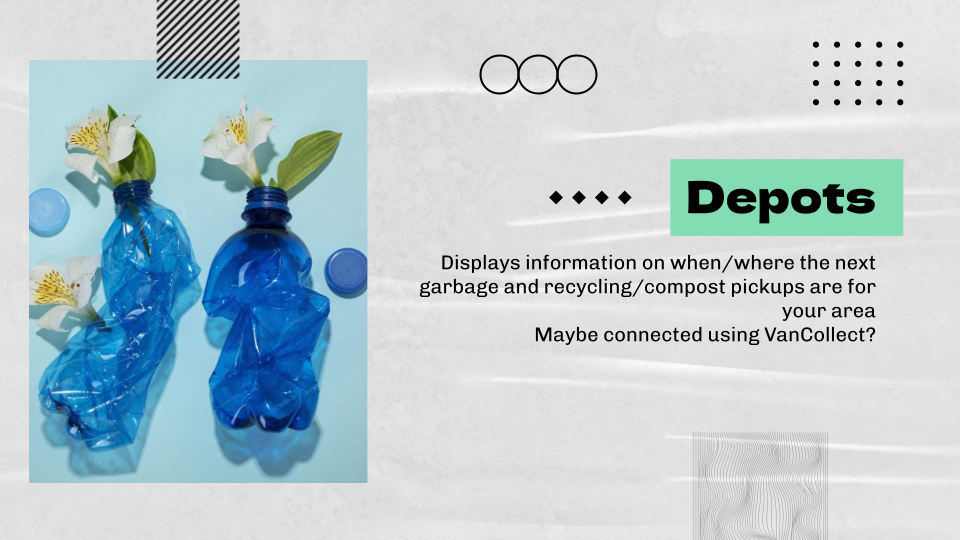
Trash Scavengers is a mobile web app dedicated to educating residents of the Lower Mainland area about their recycling system, with focus on correctly sorting different recycling items, finding local depots, and alerting users of their local recycling and trash pickup schedule.
Timeline
15 Weeks
Programs Used
Figma, Adobe Illustrator, Vercel
Role
Lead UI/UX Designer, Lead Developer
Try our demo here!
The Problem and Our Solution
When it comes to recycling, the Lower Mainland has an in-depth system that it takes quite seriously- however, the more complicated it is, the harder it is for residents to understand how to use this system properly. It may be difficult for longtime residents to understand which items go into which bins, and for people new to the area, it can be much worse. The solution is Trash Scavengers- an app dedicated to absolving any confusion and answering any questions anyone residing in the Lower Mainland might have about its recycling system, as well as educating the public through entertainment with a game. Trash Scavengers aims to make recycling feel like less of a chore, or something that requires lots of reading to figure out, and something anyone can get into with the help of this app and their city.
User Research and Findings
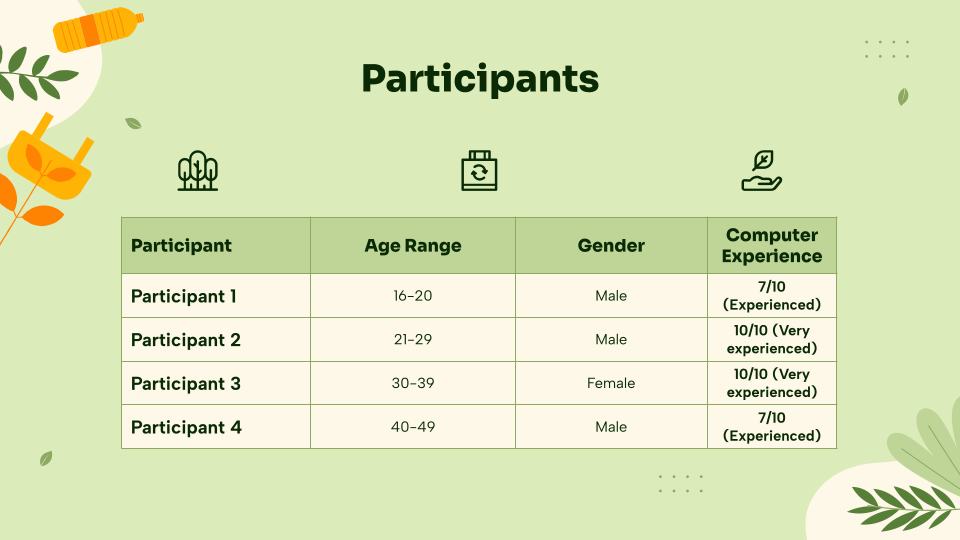
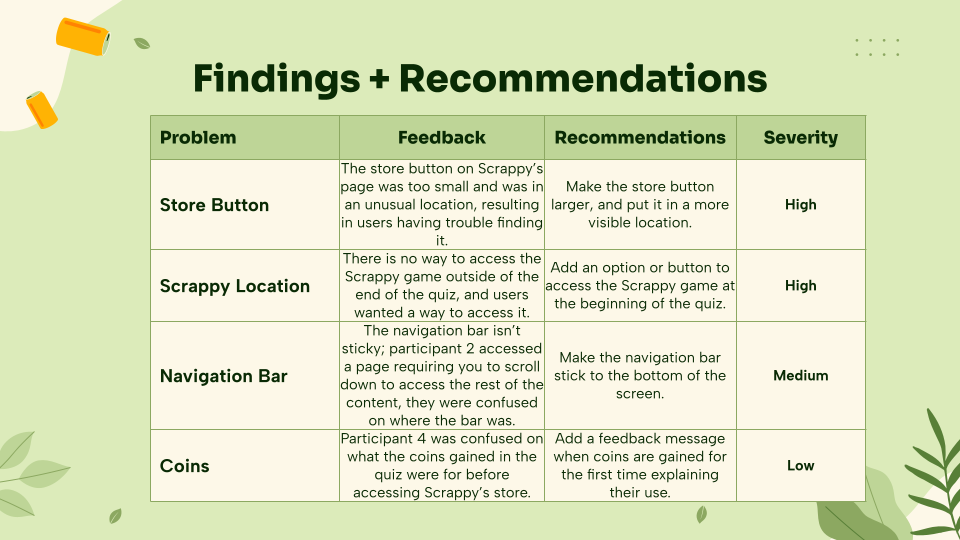
Four participants were interviewed for our usability tests, all coming from a multitude of age ranges, genders, and computer experience. Diversity in the participants was essential so that Trash Scavengers could be used by anyone that lives in the Lower Mainland, as it is important for as many people as possible to be educated on the recycling system. During the test, users were read the introduction script, then given a list of tasks to complete inside the app. The team member overseeing the test would observe and write down any observations or issues had during the test, while allowing the tester to complete the tasks on their own. Afterwards, testers were asked questions about their experience using the app, the tasks they completed, and their overall thoughts and feelings on the app. The answers to these questions were recorded and then sorted into problems and feedback.
Our team objective for these tests is to make sure that our web app is as accessible and clear as possible to all users. We want to make sure that nothing in our app is confusing to use or hard to navigate, so we will test for efficient navigation, clear in-app objectives, and user interface. After our testing concluded, three main problems were clear: users were having trouble with finding the store button, found issue with the design of the navigation bar, and noted that there was no way to access the game feature without going through a quiz first. Once this feedback had been recorded, all of these issues were quickly redone according to the findings from the report.
Site Map
User Persona
Content Inventory
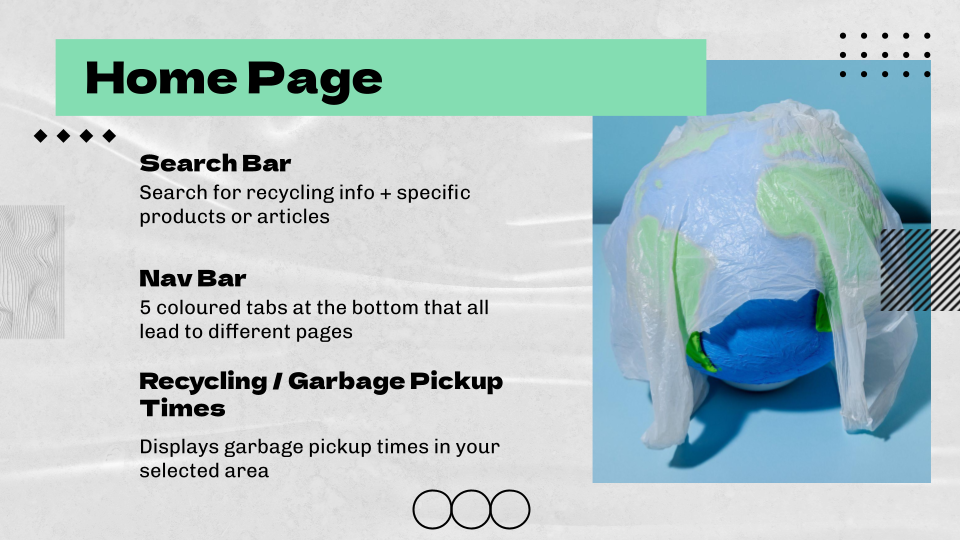
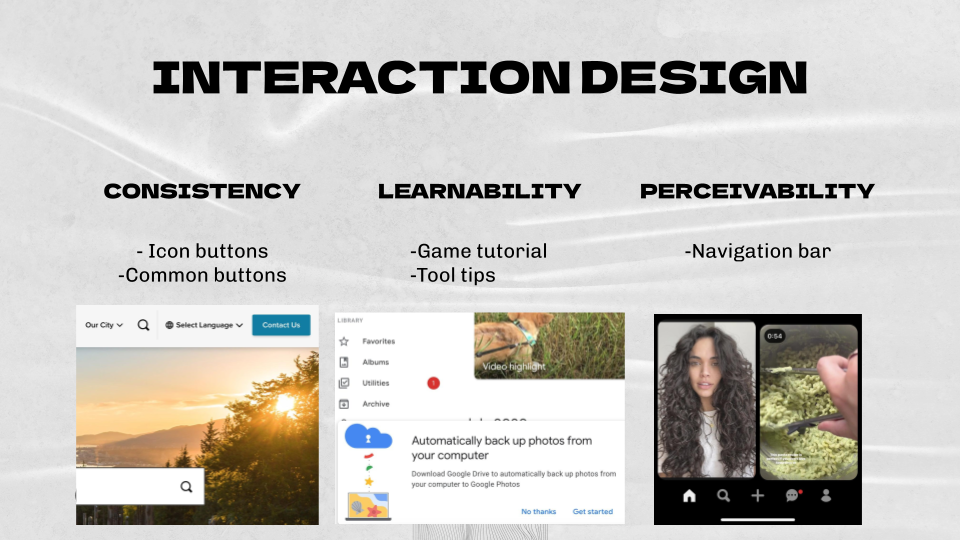
To develop the content, design, and components of Trash Scavengers, a content inventory was created. Content inventories help keep track of exactly what needs to be created for the app, how the app will look, and what is going to be in the app itself.
Hi-Fi Prototype
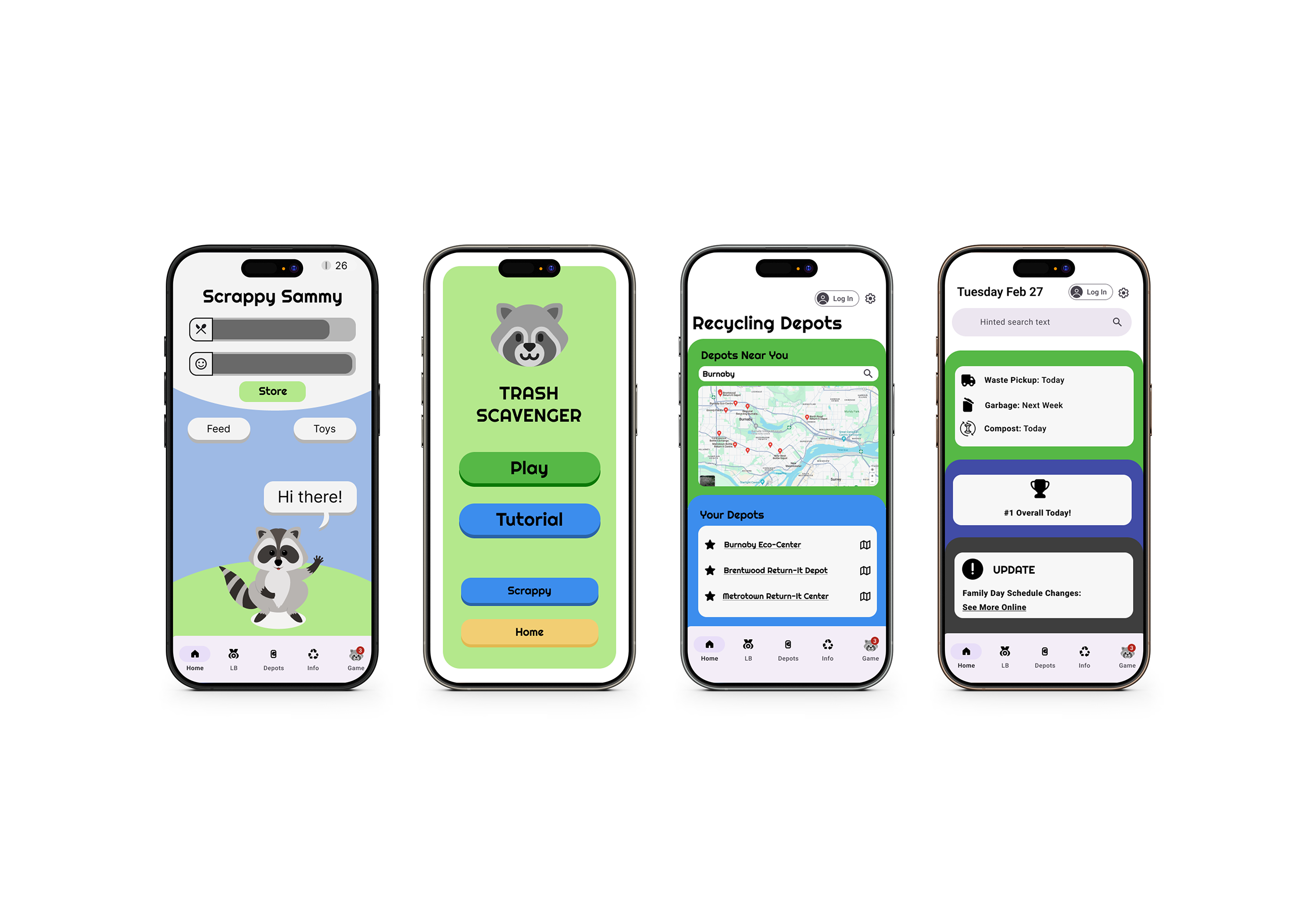
Using the information from both the user research and the recently created content inventory, a Hi-Fi prototype was quickly developed. As Trash Scavenger’s main intention is to educate its users on the sometimes-confusing recycling system of the Lower Mainland, its design was made to be clean and simple so that users won’t feel overwhelmed. The main colour palette of the app is based off of the many types of recycling bins seen in the Lower Mainland- the blue bin, green compost bin, yellow paper bag, and the black trash bag.
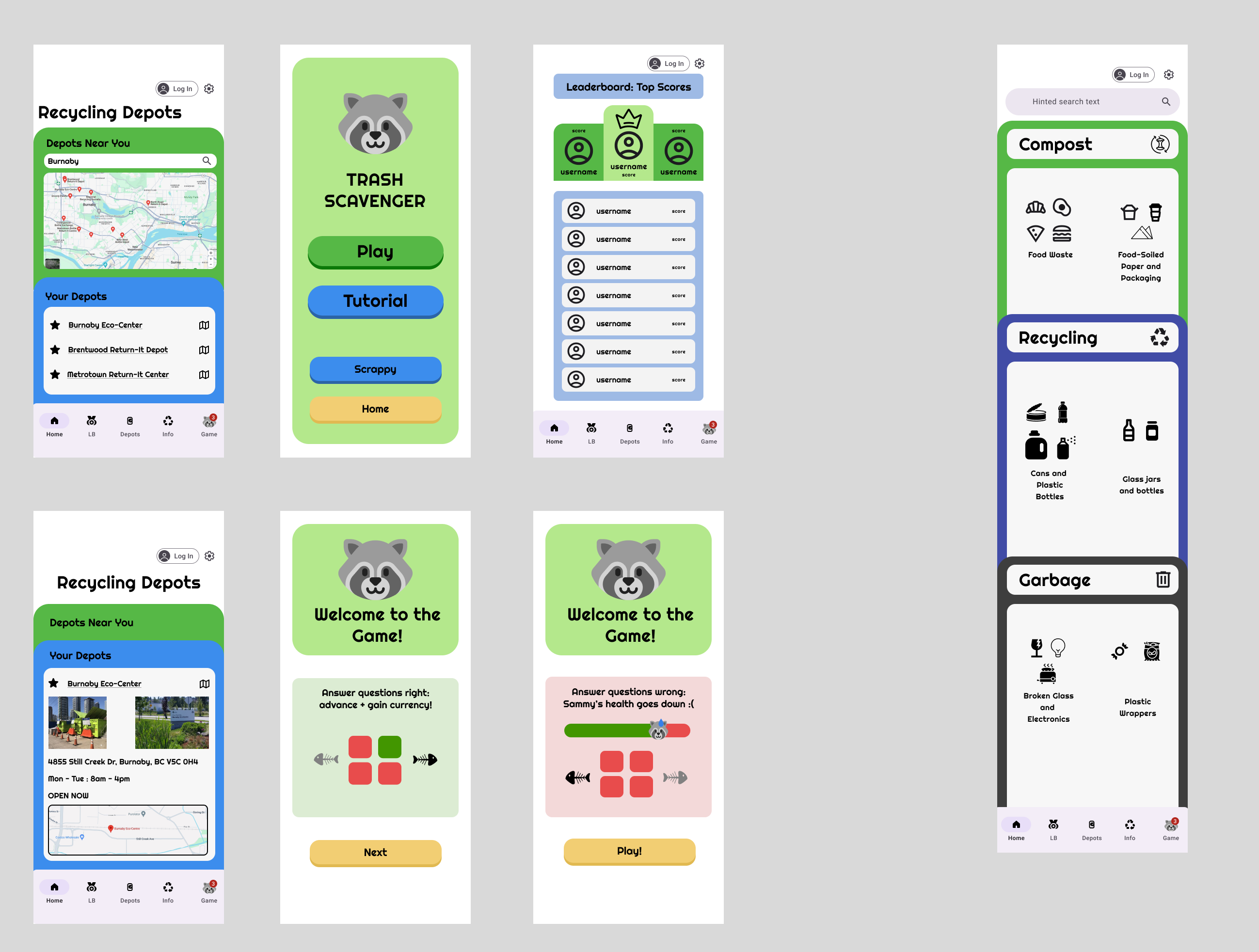
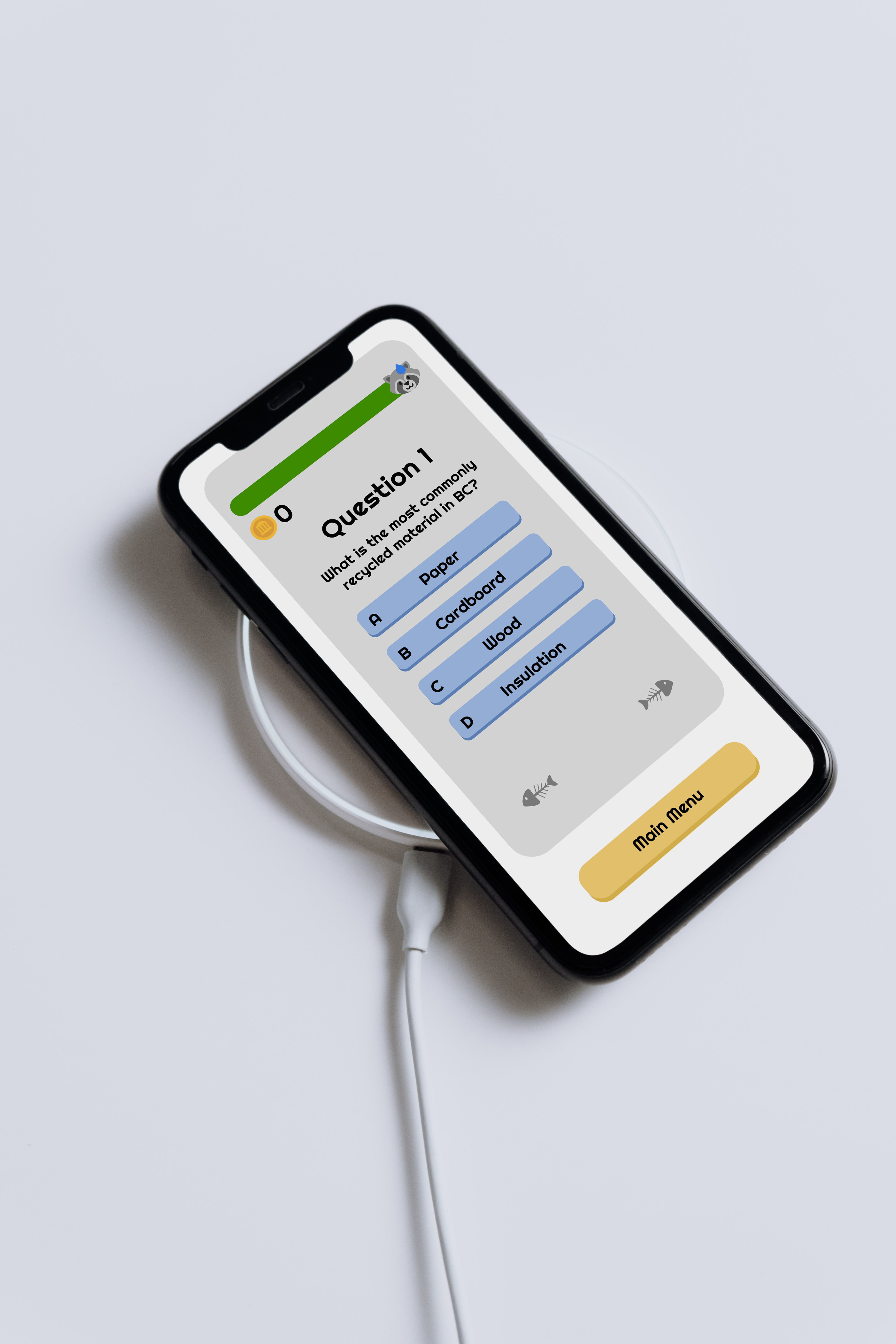
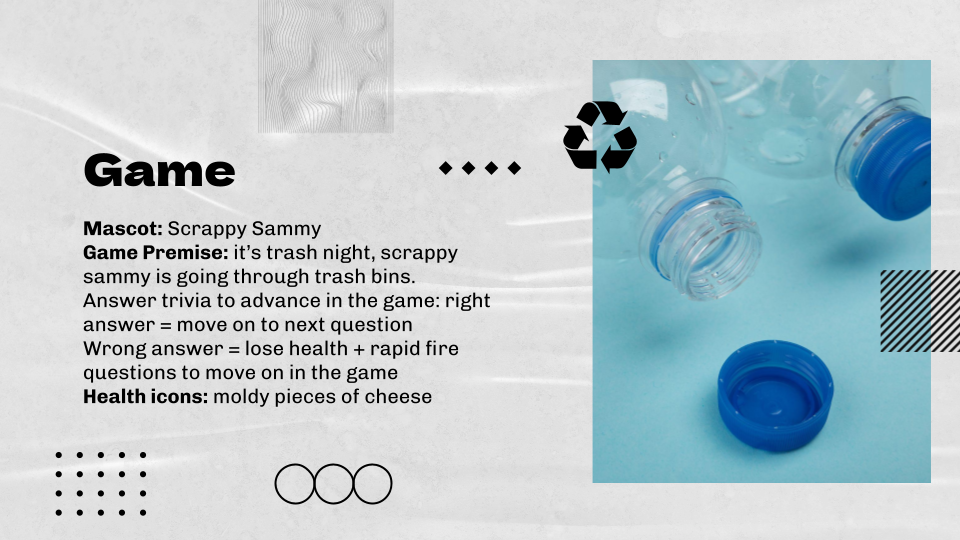
As a way to make the education of Trash Scavengers more accessible to individuals of all ages, a game was developed to provide a fun way to learn about the Lower Mainland’s recycling system, and what goes in what bin. It presents itself as a simple quiz game featuring the mascot of Trash Scavengers: Scrappy Sammy.
As players progress through the quiz, Sammy’s health will increase or decrease depending on whether the correct answer to the question was selected. Once the player has finished the quiz, they will be rewarded with coins that they are able to use for Sammy, in order to buy him things like food or toys to keep him happy.
The game was developed with HTML, CSS, React.js, and Javascript.
Challenges
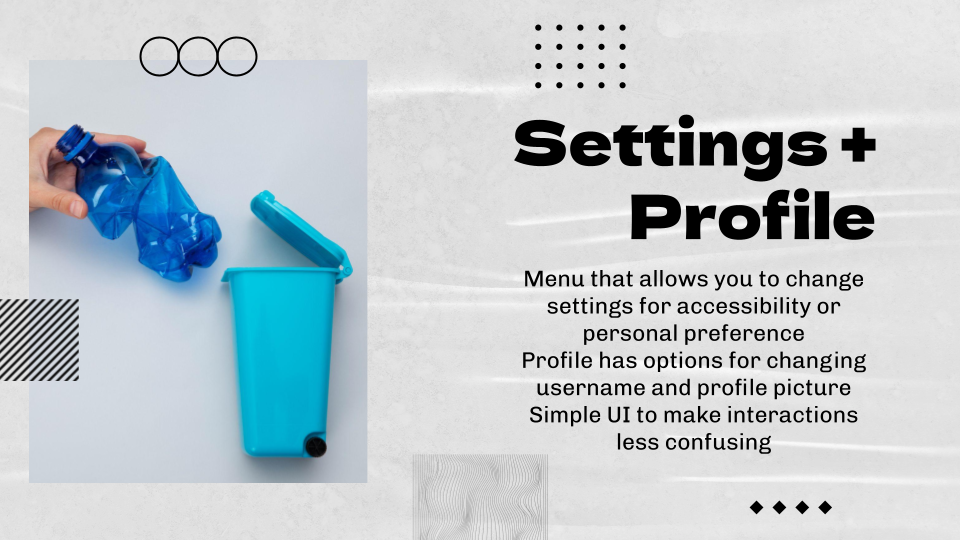
Not every feature that was designed was able to be implemented in the final product, namely the settings feature of the app. Though it was non-functional in the end, designing a proper settings page for a mobile web app gave the team proper insight into how accessibility and customizability is an essential part of the user experience. The development of the quiz and game features posed a large challenge as well, and the team worked tirelessly to make an experience that is not only educational, but well-designed and appealing to many different demographics.